goclone

Copy websites to your computer! Goclone is a utility that allows you to download a website from the Internet to a local directory. Get html, css, js, images, and other files from the server to your computer. Goclone arranges the original site's relative link-structure. Simply open a page of the "mirrored" website in your browser, and you can browse the site from link to link as if you were viewing it online.


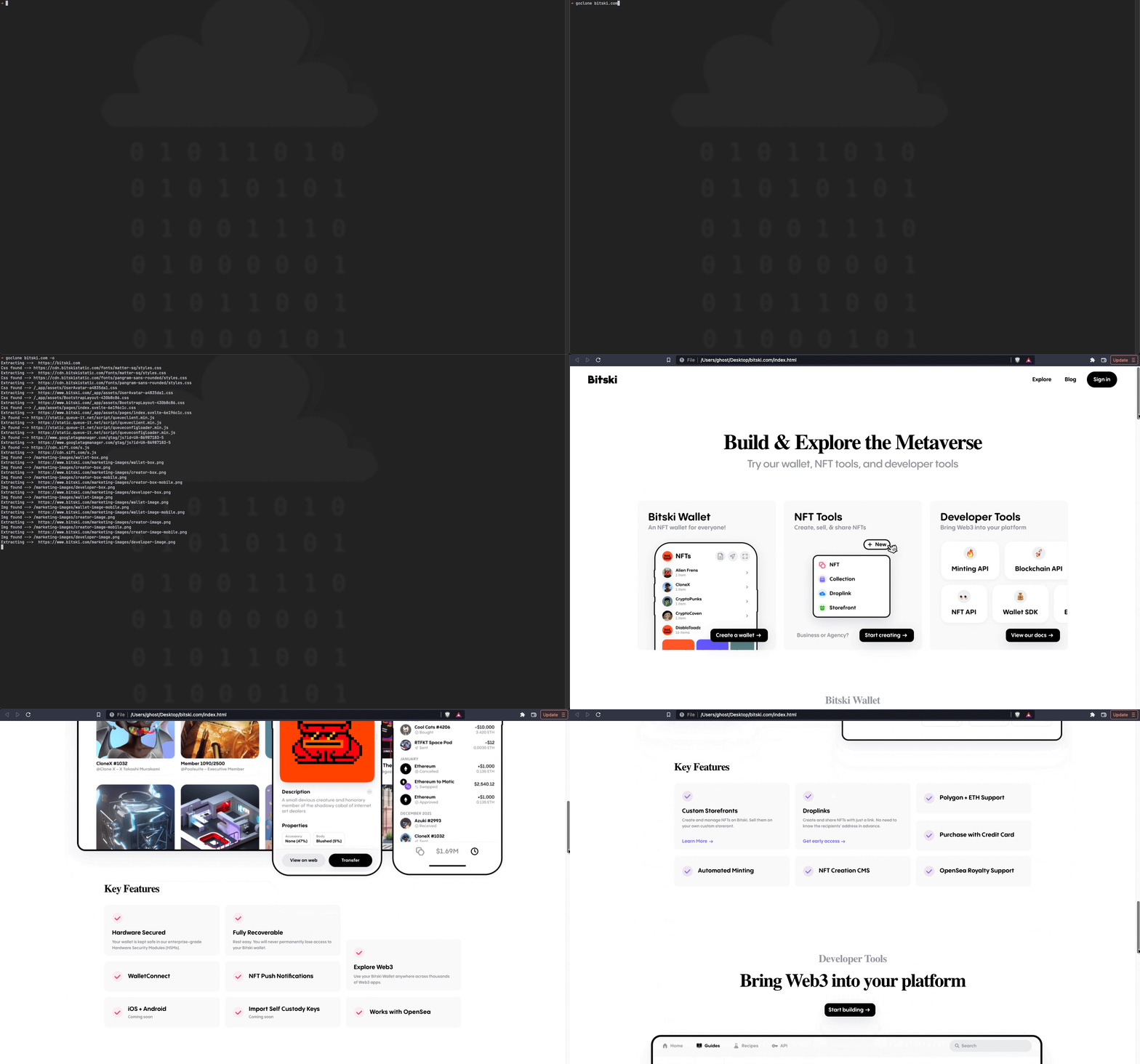
Table of Contents
🚀 Installation
Brew
# tap
brew tap goclone-dev/goclone
# install tool
brew install goclone
Manual
# Go version >= 1.20
go install github.com/goclone-dev/goclone/cmd/goclone@latest
Or
# Clone the repository
git clone https://github.com/goclone-dev/goclone.git
cd goclone
# Build and run
go build -o goclone cmd/goclone/main.go
# Move binary to a directory in your PATH (optional)
mv goclone /usr/local/bin/
Examples
# goclone <url>
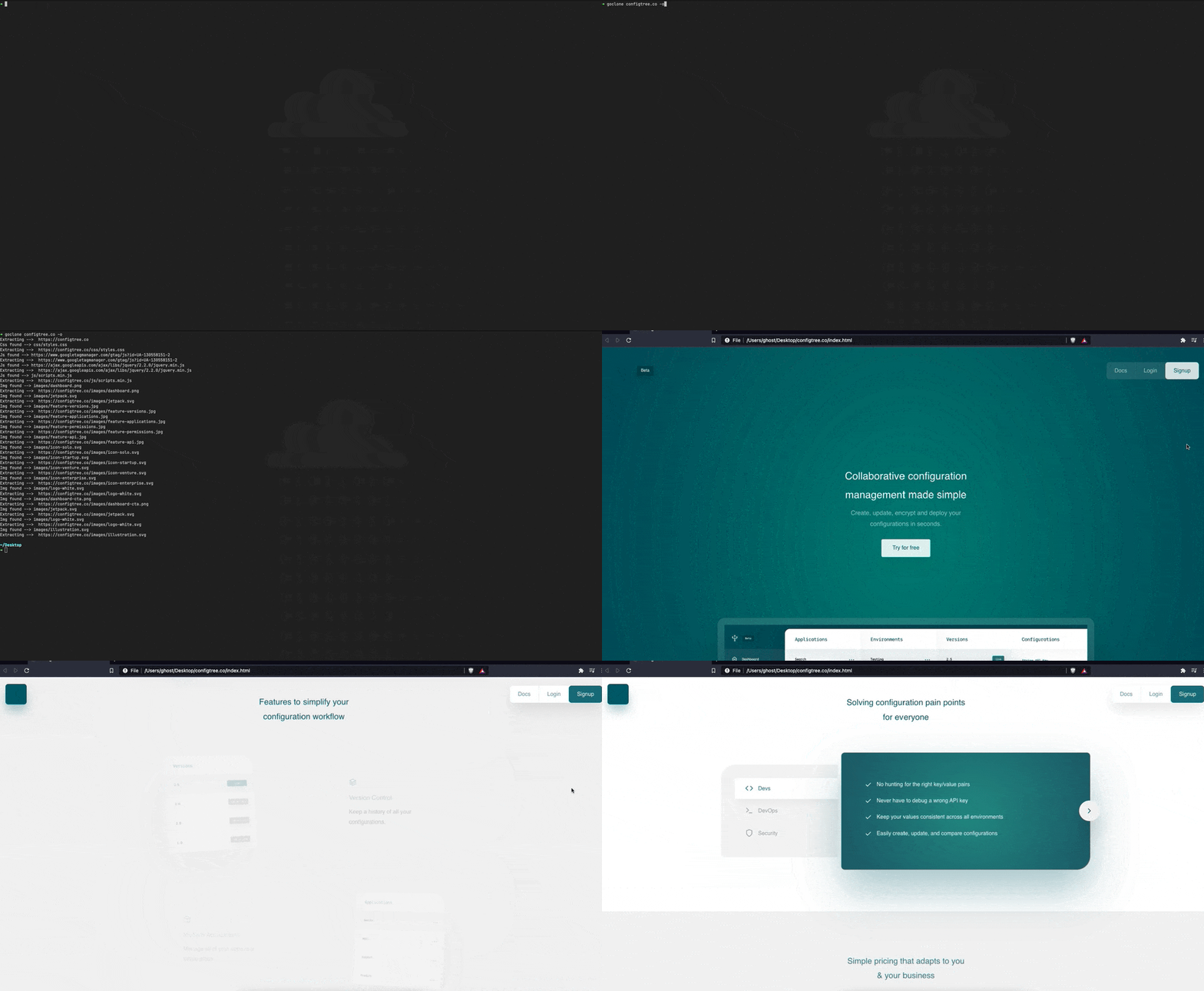
goclone https://configtree.co
Usage
Usage:
  goclone <url> [flags]

Flags:
  -C, --cookie strings        Pre-set these cookies
  -h, --help                  help for goclone
  -o, --open                  Automatically open project in default browser
  -p, --proxy_string string   Proxy connection string. Support http and socks5 https://pkg.go.dev/github.com/gocolly/colly#Collector.SetProxy
  -s, --serve                 Serve the generated files using Echo.
  -P, --servePort int         Serve port number. (default 5000)
  -u, --user_agent string     Custom User Agent
Contributors
Contributions are welcome! Please see Contributing Guide for more details.
 Tha Ghost 💻 |
 Juan Mesaglio 💻 |
 Ben Lafferty 💻 |
 Omar Sagoo 💻 |